CrushOn AI Download Guide 2026: Every Platform Method Explained
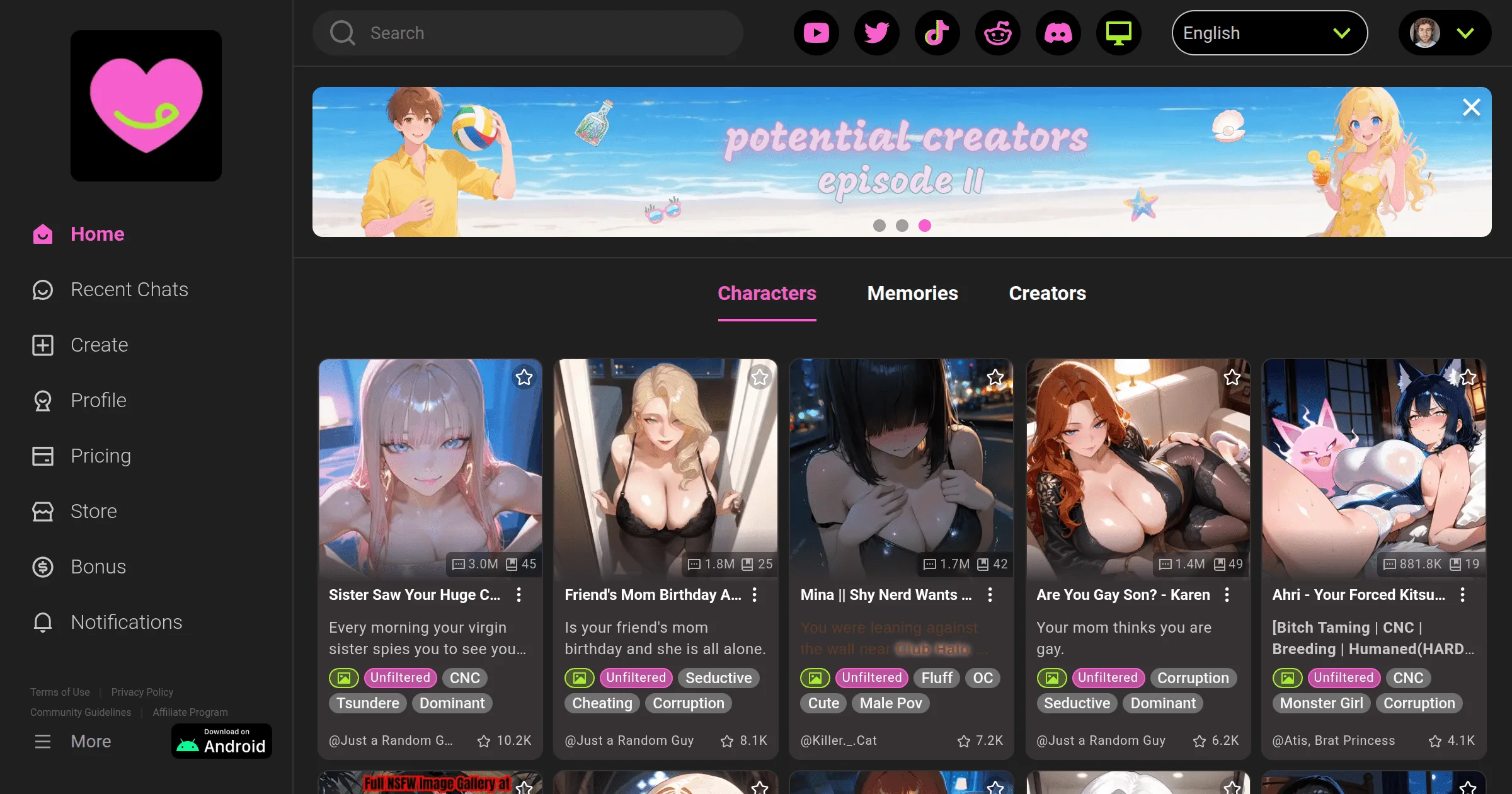
CrushOn AI is accessible via Android (Google Play Store or direct APK), iOS (App Store where available, or full-featured web), and web browser on any device. The official website is crushon.ai. The web version is not a stripped-down alternative — it is functionally complete and the recommended path for iOS users in regions where the app isn't in the App Store, and for all desktop users.
Web Access (Universal, Fastest)

Go to crushon.ai in any modern browser. No download, no installation, no storage consumption:
- Works on: Chrome, Safari, Firefox, Edge, Opera, any Chromium browser
- Compatible with: Windows, Mac, Linux, Android, iOS, Chromebook
- Features: identical to mobile apps — full character library, all conversation features, image generation, account management
Mobile web shortcut:
- iPhone (Safari): tap Share → "Add to Home Screen" → creates full-screen app icon
- Android (Chrome): tap three-dot menu → "Add to Home Screen" or "Install App" → creates home screen shortcut with full-screen launch
For daily mobile use, the home screen shortcut method on iOS effectively replaces the App Store app.
Android Installation: Google Play
Requirements: Android 5.0 (API 21) or higher. Device storage: approximately 100-200MB.
Steps:
- Open Google Play Store on your Android device
- Search "CrushOn AI" — find the app from publisher Peekaboo Tech Inc.
- Tap Install (app is free to download; subscription purchased in-app or on website)
- After installation: tap Open, sign up or log in
- Confirm 18+ age gate on first launch
Available in most countries. Google Play availability is more consistent than App Store availability for CrushOn AI's content category.
App version as of 2026: approximately v6.5.x. Updates available through the Play Store.
Android Installation: Direct APK
Use this method when Google Play shows "Not available in your country":
Security setup first (do this before downloading):
- Android 8.0+: Settings → Apps → Special App Access → Install Unknown Apps → select your browser app → toggle "Allow from this source"
- Android 7.x and below: Settings → Security → Unknown Sources → enable
Download and install:
- On your Android device, open a browser and navigate to crushon.ai
- Find the "Android Download" or "Get the App" section
- Download the CrushOn AI APK file
- Open the downloaded file from your notification shade or file manager
- Tap Install → accept permissions → wait for installation
- Open the app and log in or create account
APK safety: The APK from crushon.ai is the same signed binary as the Play Store version, digitally signed by Peekaboo Tech Inc. Third-party APK sources (APKPure, HappyMod, etc.) are not verified and may contain modified versions.
iOS Access: App Store + Web Option
The iOS situation requires understanding. CrushOn AI's App Store listing has been removed from some regional App Stores due to Apple's developer policies on NSFW content. This removal is intermittent and region-dependent.
Check your App Store first:
- Open App Store → Search "CrushOn AI"
- If available: tap Get (iOS 14+ required) → download normally
If not available in your App Store:
Use Safari → crushon.ai → Add to Home Screen. This is the standard solution and works identically to the app in terms of features. iOS users who use this method report no functional differences from the app experience.
iOS 14+ note: iOS 14 minimum is required for both the App Store version and optimal web app behavior.
Account Creation (All Platforms)
The sign-up flow is identical across all access methods:
- Click/tap "Sign Up" on the home screen
- Choose signup method:
- Email address + password (most common)
- Google account (single click)
- Social login options
- Enter your email and create a password (if using email method)
- Tick the 18+ age confirmation
- Verify email if a confirmation link is sent
- Account is active — free tier (50 messages/day) immediately available, no payment needed
Login options: Email/password, Google, social login. Password reset via "Forgot Password" link works on all platforms.
Platform Comparison
| Factor | Android App | iOS Web | Desktop Web |
|---|---|---|---|
| Installation required | Yes | No | No |
| Regional restrictions | Low | None | None |
| Push notifications | Yes | Browser only | Browser only |
| Feature completeness | Full | Full | Full |
| Update management | Auto via Play Store | N/A | Auto (web) |
| Recommended for | Android daily users | iPhone users | Desktop users |
Ready to try CrushOn AI?
Visit CrushOn AIFrequently Asked Questions
Android: Google Play Store (search "CrushOn AI") or direct APK from crushon.ai. iOS: App Store if available in your region, otherwise use crushon.ai in Safari. Desktop: no download needed — use crushon.ai directly in any browser.
Apple enforces NSFW content policies that conflict with CrushOn AI's adult content features. The iOS app has been removed from some regional App Store catalogs as a result. The web version at crushon.ai in Safari provides identical functionality.
Yes, when downloaded from the official crushon.ai website. The official APK is digitally signed by Peekaboo Tech Inc. and is the same binary as the Play Store version. Do not download from third-party APK sites.
Android 5.0 (Lollipop, API 21) or higher. This covers essentially all Android devices in active use.
Yes. The web version at crushon.ai works fully in Chrome, Firefox, Edge, Safari, and other modern browsers on Windows, Mac, and Linux. No desktop app exists — web-only for desktop access.
Yes, account creation is required to access the character library and conversations. Creating an account is free and takes about two minutes — email address and 18+ confirmation only, no payment needed.